Any good game has cutscenes. Some games have dialogues. This one happens to have both. That doesn’t necessarily make it good though.
DIALOGUE
To make dialogue flow easily and appear visually aesthetic, I am employing the plug-in named Dialogic within the Godot engine to make these scenes possible. In the case of dialogue between characters, I employed a visual novel style look.
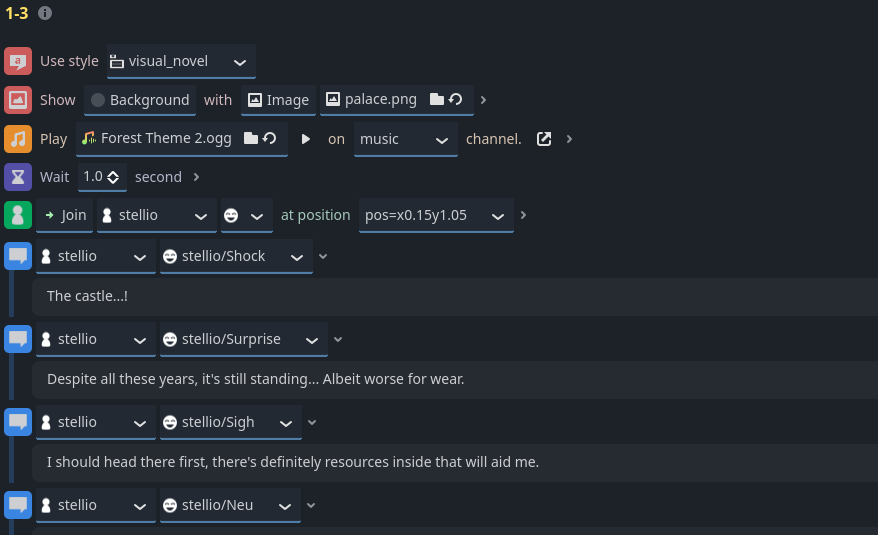
What Dialogic’s interface looks like in the Godot engine
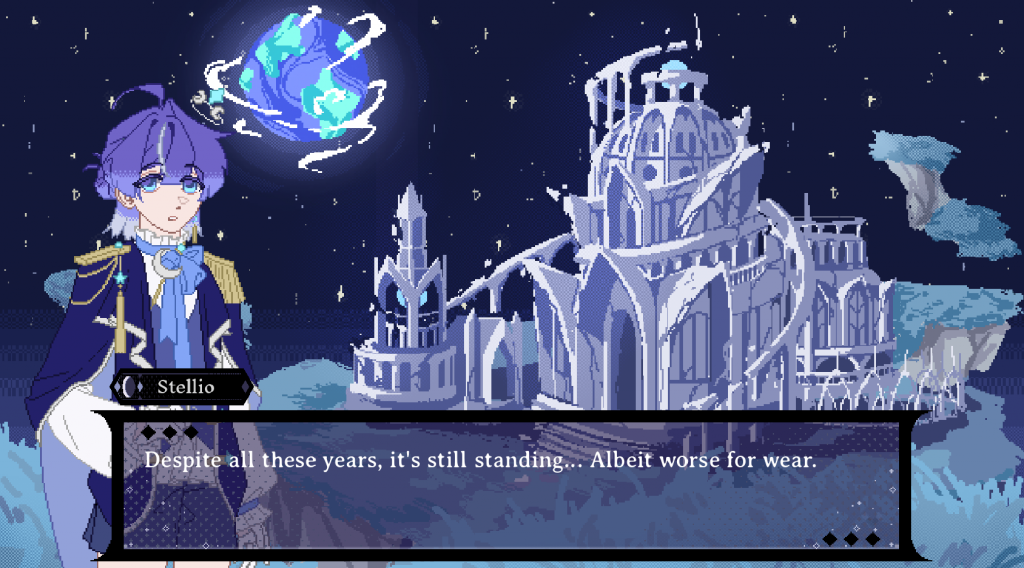
What the end result looks like
There were two (and a half) cutscenes planned in the game, with the opening cutscene and Stellio meeting Ictus cutscenes being most important.
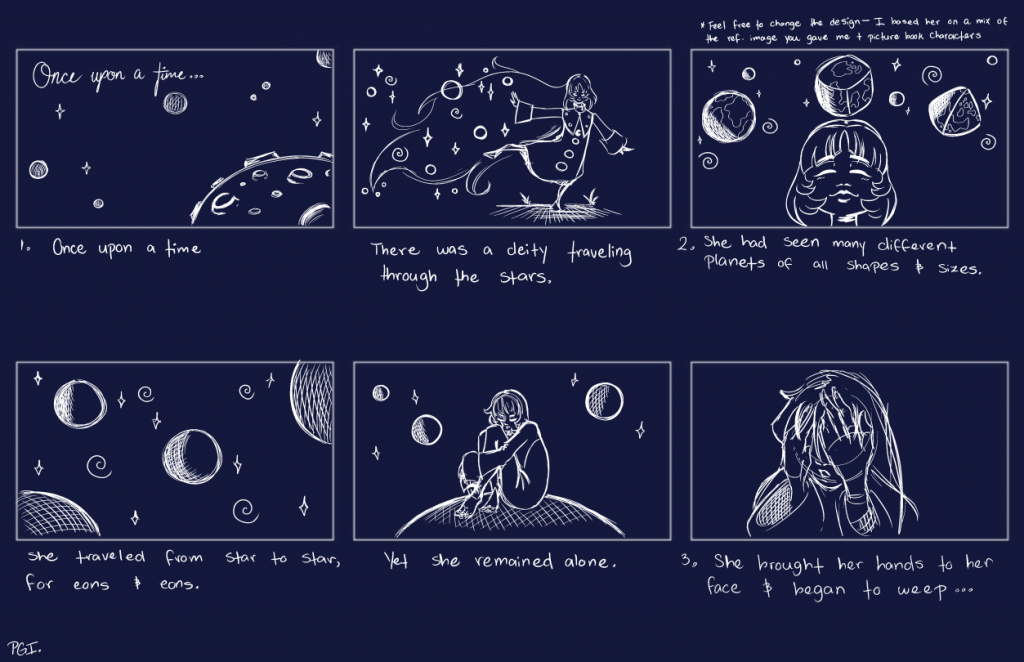
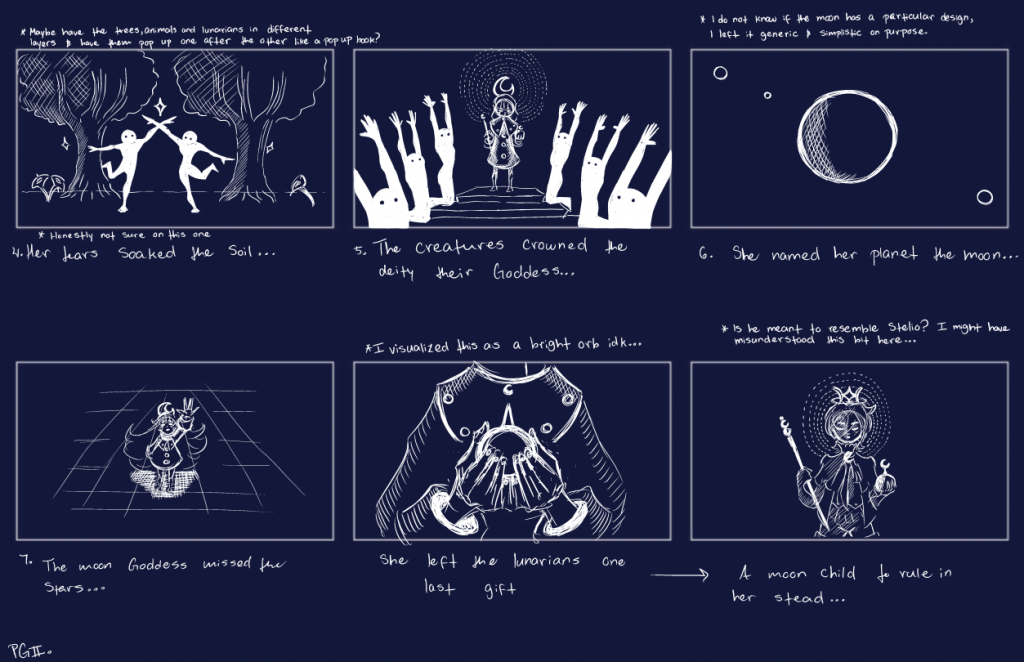
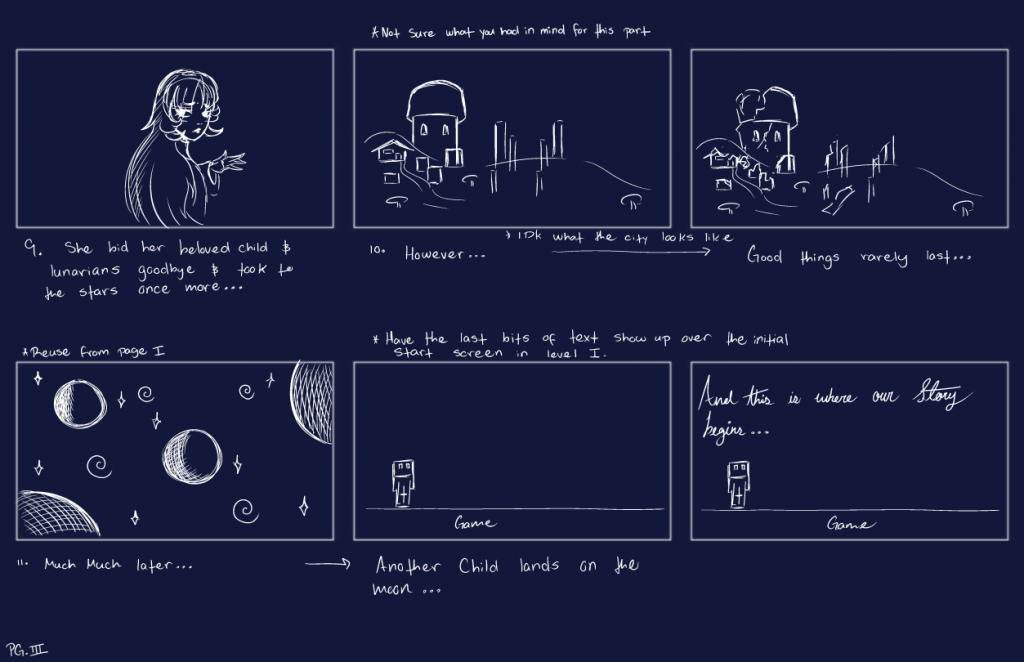
These storyboards of the opening cutscene were created by Sen, who studies animation and storyboarding. I illustrated the first of these boards to get a feel for what the cutscene will look in game.



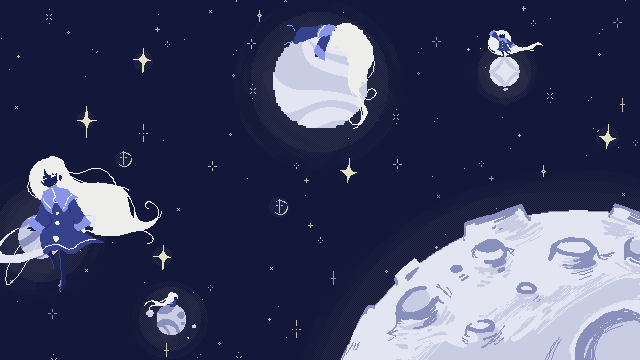
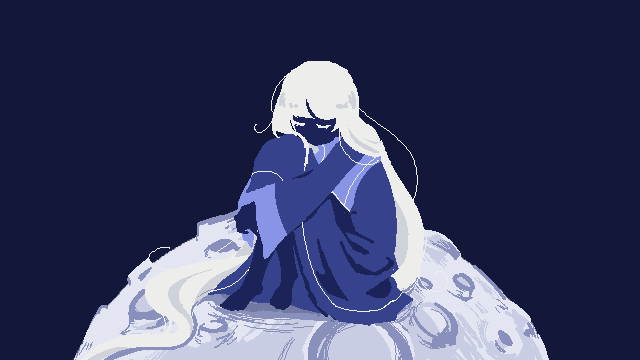
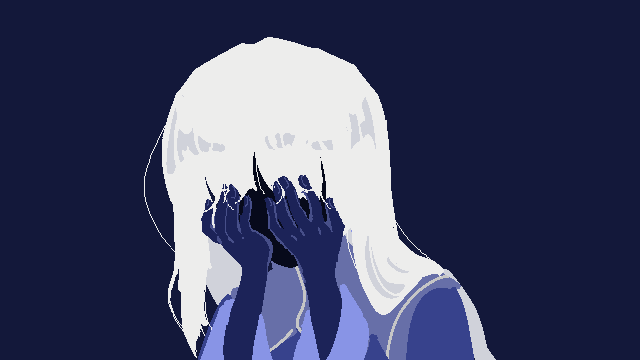
These are included within the test cutscene inside the game!
Originally, I wanted text to appear borderless and float along the images, but the Dialogic engine is kind of hard to figure out for someone who has 0 knowledge in coding like me… So the text shows up the same way as the visual novel text box.
You will be able to see a video of the cutscenes below as well as on the PDF.
Leave a Reply